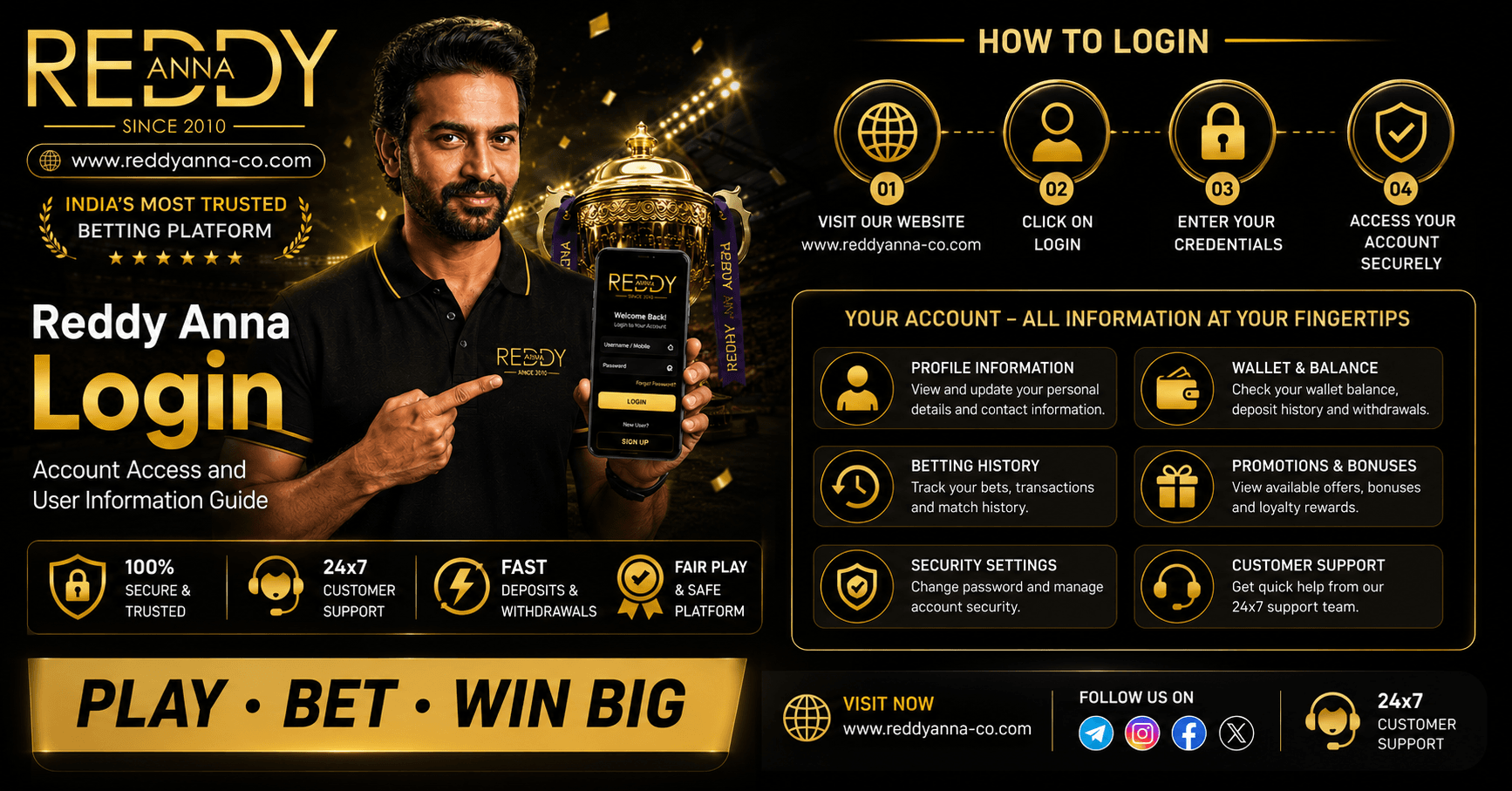
Getting into your Reddy Anna account should take thirty seconds. For most users it does. But a forgotten password, a new phone, or an OTP that never shows up can turn a quick login into something far more annoying - especially mid-IPL match. This guide covers the Reddy Anna book Login process from start to finish: how it works normally, what breaks it, how to fix it, and how to keep your Reddy Anna Account secure going forward.
How the Reddy Anna Login Works
Your Reddy Anna Login is tied to two things - your registered mobile number and your password. That combination was set at registration and linked to your Cricket ID. Every login uses the same pair.
New device? Cleared your browser cache? The platform sends an OTP to your registered mobile before letting you in. That is not an error - it is the security layer confirming you are who you say you are. Once a device is recognised, subsequent logins need only your password. The OTP step only appears again if the browser data is cleared or you switch devices.
One thing a lot of users do not realise until they need it: Reddy Anna has no app. There is no APK, no Play Store link, no separate app login portal. The Reddy Anna Book Login happens entirely through the browser at reddyanna-co.com - on any device, any browser, any screen size. If someone has sent you a link to a "Reddy Anna app", that is not the official platform.
How to Log Into Your Reddy Anna Account - Step by Step
1. Open up your browser - Chrome, Safari, whatever you like - and go to reddyanna-co.com.
2. At the top right of the homepage, select Log In.
3. Enter your registered mobile no. Ten digits, without country code.
4. Type in your password.
5. Enter OTP if asked. This is caused by a new device or a cleared cache. Check your sms and put code.
6. You're in. Wallet, bets, exchange, casino – all available from the same session.
Why Your Reddy Anna Login Might Not Be Working
Most login failures have a simple cause. Here are the four that come up most.
Wrong Password
Passwords on Reddy Anna are case-sensitive. If you have changed your password before and are using an older one, it will not work. Caps Lock being on is a surprisingly common culprit on mobile keyboards. Hit Forgot Password on the login screen - it sends a reset OTP to your registered number and you can set a new one in under two minutes.
Mobile Number Not Recognised
Enter the number as ten digits without +91 or 0 in front. If it is still not recognised, the number may have been entered differently at registration - a typo, a digit off. WhatsApp or Telegram support can check which number is on the account and help you match it up.
OTP Not Arriving
Weak signal, DND mode, or a network delay - these are the usual suspects. Wait thirty seconds and request the OTP again. If the number on your account is no longer active, self-serve will not work. Reach out to support directly; they have a manual recovery process for exactly this situation.
Account Restricted
Sometimes a Reddy Anna Account gets flagged - incomplete KYC, a transaction under review, or an AML check. The platform does not always send a notification. If your login technically works but you cannot withdraw or place bets, contact support with your account details. They will tell you what verification step is pending and how to clear it.
How to Reset Your Reddy Anna Account Password
Forgot your Reddy Anna account password? Use the “Forgot Password” option on the login page and enter your registered mobile number or email to receive a reset link or OTP. Follow the verification steps and create a new strong password to regain access to your account securely. If you face any issues during the process, contact Reddy Anna customer support for quick password recovery assistance.
Reddy Anna Account Password Reset Steps
Is your registered number still alive? This reset requires 3 minutes.
1. Visit reddyanna-co.com and click on Log In.
2. Select Forgot Password.
3. Submit your registered mobile no.
4. Enter the received OTP.
5. Make your new password a mix of letters, numbers and symbols.
6. Login with the new credentials.
Don’t have the registration number any more? The road is blocked. Contact support via WhatsApp or Telegram. Please send us your full name and any references of transactions you have and any details you can remember from registration. They do this manually and can walk you through identity verification to get the account back.
How To Keeping Your Reddy Anna Account Secure
A few habits here prevent almost every account security issue that comes up.
Use a password you have not used anywhere else. The most common way accounts get accessed without permission is not a hack - it is a leaked password from a different site being tried on betting platforms. Unique password for Reddy Anna, problem eliminated.
Never share your OTP with anyone. This needs saying plainly: Reddy Anna support will never ask for your OTP in a WhatsApp message. If someone claiming to be from Reddy Anna asks for it, do not send it. Report the contact through the official channel.
Log out on shared computers. Reddy Anna Login session is active until you logout or clear your browser. Using the platform on someone else's phone and not logging out leaves your account accessible to them. Takes five seconds to prevent.
Complete KYC right after registration. A verified account is much easier to recover if access is lost. An unverified account has almost nothing to distinguish you as the owner. Getting KYC done while everything is fresh saves a lot of back and forth if something goes wrong later. [Reddy Anna Cricket ID and account verification guide.
Logging Into Reddy Anna Across Different Devices
Phone, tablet, laptop, desktop - the Reddy Anna Book Login works on any of them. Open a browser, go to reddyanna-co.com, log in. That is genuinely all there is to it.
Mobile works well. The site is built for Indian 4G conditions and handles peak IPL traffic without slowing down. Chrome on Android, Safari on iPhone - either works without extra steps.
You can be logged in on your phone and your laptop at the same time and neither session ends. Watch live scores on one, bet on the other. The platform has no restriction on concurrent sessions.
One thing worth knowing: if you clear your browser history or switch to a different browser, the OTP prompt comes back on your next login. The platform sees it as a new device and runs a quick verification. Normal behaviour, not a problem.
What You Can See After Logging Into Your Reddy Anna Account
Log in and the first thing you see is your wallet balance - one number, covering everything. Sports winnings, casino winnings, exchange winnings all sit in the same pot. Won something on IPL session betting? That money is right there for Teen Patti without any kind of transfer or wait.
My Bets shows what you have running - live positions, pending wagers, recent settlements. If you are in the middle of an IPL innings with three active bets, they are all visible there in real time.
Transaction history is chronological. Every deposit, withdrawal, bonus, and bet settlement, in order. When you need to follow up a payment with support, having a transaction reference from here makes the conversation much faster.
Account settings is where the responsible gaming tools live - deposit limits, session reminders, self-exclusion options. Setting a deposit limit before a big match takes about thirty seconds. Worth doing. [Reddy Anna withdrawal and payment methods guide.
First-Time Login - What New Users Need to Know
No account yet? Registration comes before login. Go to reddyanna-co.com and click Register Free. Name, mobile number, username - fill those in. Verify the OTP. Set a password. Done. Your Reddy Anna Account and Cricket ID are live immediately.
Deposit minimum is ₹200. UPI, GPay, Paytm, PhonePe, IMPS, NetBanking, Bitcoin, USDT, TRON - pick whichever you use. Zero fees either way, the full amount lands in your wallet. First deposit triggers the welcome bonus - up to ₹70,000 credited after payment.
Sort out KYC right after registering. Not urgently - but before you win something and want to take it out. KYC takes a few minutes and means your first withdrawal processes in around thirty minutes. Skip it now and you will have to do it later in a hurry. [Reddy Anna welcome bonus and promotions guide.
Final Thoughts on Reddy Anna Login and Account Access
Most of the time Reddy Anna Login is a non-event. You open the site, enter your details, and you are in. The situations where it goes wrong - wrong password, OTP issues, account restrictions - all have straightforward fixes. Support on WhatsApp and Telegram handles the trickier cases around the clock, real people, no bots. Keep a unique password, never hand your OTP to anyone, log out on shared devices, finish KYC early. Do those four things and account access rarely becomes a problem.